I decide to continue with my idea of building a 3D model myself with the Still Life approach , as I did in speed project 3. Instead of using Monstermash in this project , I found a far better tool called Paint 3D, which is surprisingly a pre-installed software that every windows 10 laptop has.

The process of building this model is actually quite easy. This bike is essentially made up by several 3D tube shapes and donut shapes. The whole process could be summarized into 3 simple steps:
- Render out and adjust the shapes that I would like to use (since the seat part isn’t of any geometric shape, I chose to draw it out with the smart pen function in the software. It worked quite well)
- Assemble all the shapes together in XY dimension, and then adjust their positions on Z dimension.
- Use the brush tool to colorize every shape.
Below is the bike from multiple different angles.

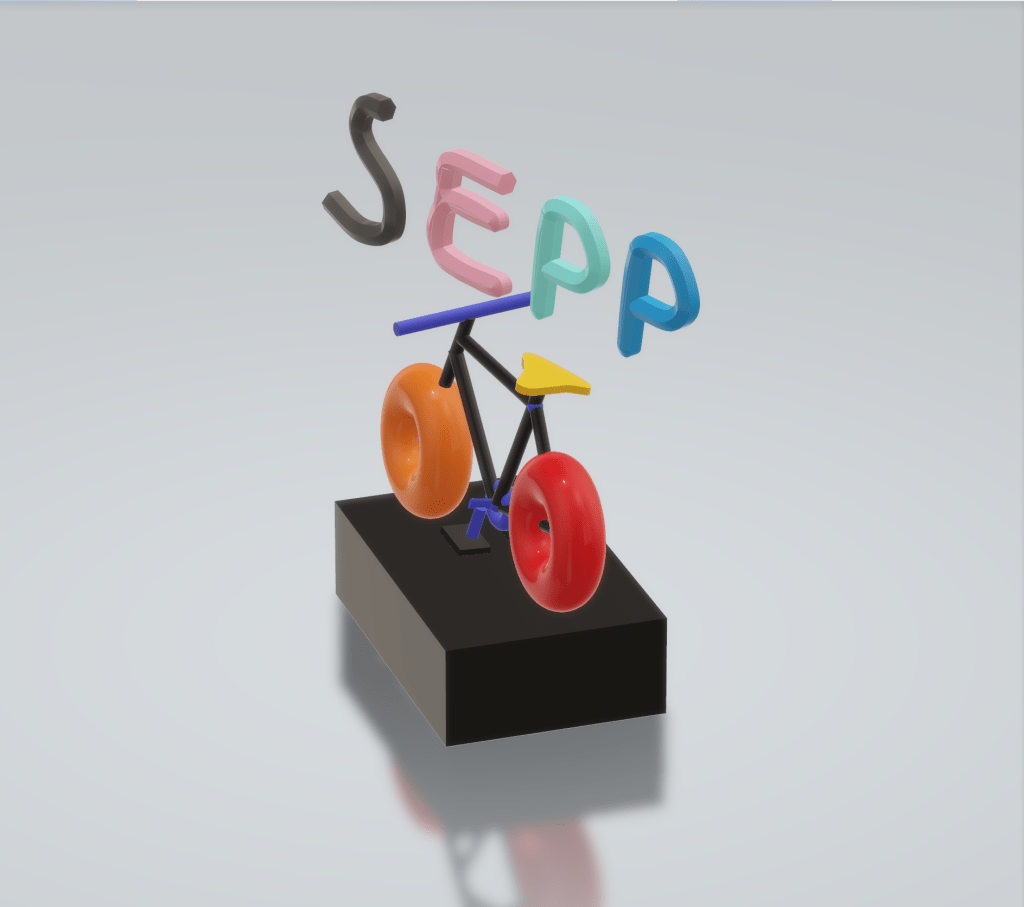

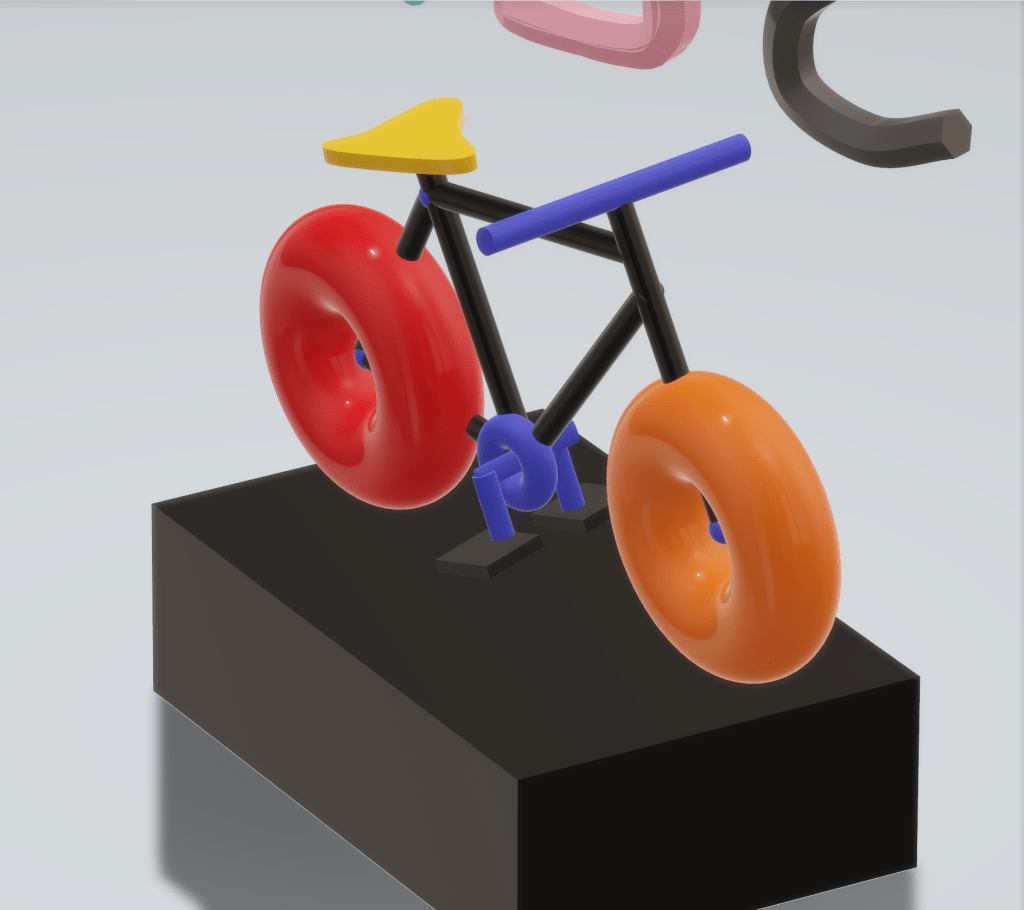

I always find it interesting to display still life art-works in a form of 3D rather than plainly on a canvas, that’s why I choose the 3D modelling way in this final project.
 NEW LENSES: Experimental Capture and Release
Leave a comment