upload work in progress by end of class 2/2
Using the lecture Photography as a data visualization, create and manipulate an image or series of images to demonstrate patterns, reveal invisible information, or tell more descriptive stories than traditional photography affords.
- Review the prompts below as a jumping off point
- Produce a single image, or make a series of images.
- Add the images you made to a blog post.
- Add a few lines of text to the blog post explaining your process and thinking.
- Title your blog post with your name and project title.
(ex. StreetCam SnowScape by Claire Hentschker) - Select Unit 1 AND Project 2 as categories for the post.
Prompts
- Create a scene that visualizes reoccurring or improbable elements by using and misusing photoshop’s photo merge tool. Consider taking your own images or using frames from videos to experiment with.


2. Collect, visualize, and arrange an archive of elements from images that tell a story using photoshops selection tools . If you have a printer you can consider doing this by hand as well for a different aesthetic effect
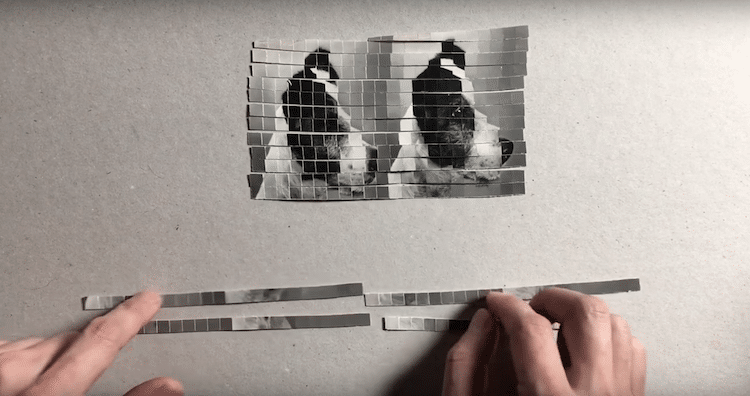
3. Create a layered narrative over a panorama or photosphere using these resources. Consider making it a site specific overlay and reuplodaing your photosphere onto google street view.

 NEW LENSES: Experimental Capture and Release
Leave a comment